Powerful Features

Everything you need to resize images like a professional

Lightning Fast Processing

Resize images in seconds with our optimized algorithms. No waiting, no delays, just instant results.

  • Up to 10MB or 6000 × 6000 px per image
  • Typical 0.3–2.5s for 4–10MP photos
  • Live preview refresh in <150ms on modern devices

Complete Privacy

Your images never leave your device. Everything is processed locally in your browser for maximum security.

  • 100% browser-only processing (no uploads)
  • Offline capable after first load
  • Session data cleared on refresh

Quality Preservation

Advanced algorithms maintain image quality while adjusting dimensions to your exact specifications.

  • Bicubic + edge-aware sharpening pass
  • JPEG/WebP quality range: 40–100
  • Transparency preserved for PNG/WebP

Cross-Platform

Works seamlessly on desktop, tablet, and mobile devices. Resize images anywhere, anytime.

  • Tested on Chrome, Edge, Safari 15+
  • Touch-first controls on iOS/Android
  • Responsive layout from 320px to 4K

Multiple Formats

Support for JPG, PNG, GIF, and WebP formats with intelligent format conversion options.

  • Input: JPG/PNG/WebP/GIF (static)
  • Output: JPG/PNG/WebP
  • Auto-suggests best format by content

Advanced Controls

Fine-tune your images with precise controls for dimensions, quality, and format options.

  • Resize by px, %, or preset targets
  • Aspect ratio lock + crop fit options
  • Quality slider with live size estimate

Detailed Feature Breakdown

Smart Resizing Algorithm

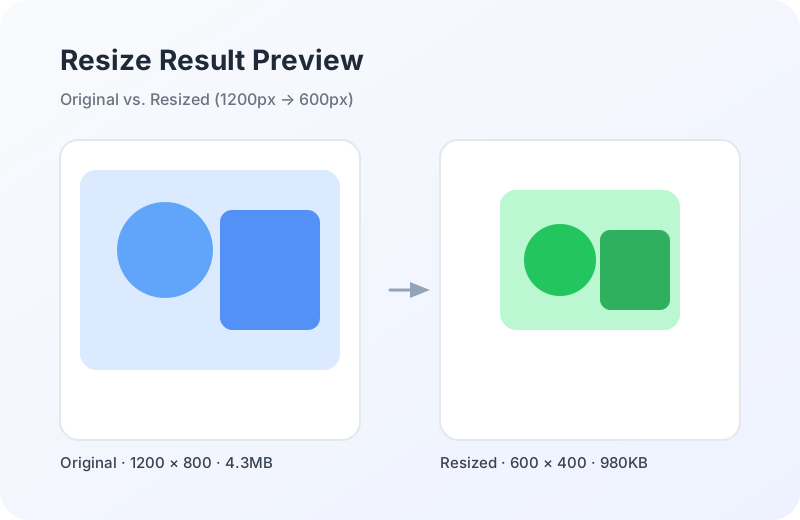
Our proprietary resizing algorithm uses advanced interpolation techniques to ensure your images look crisp and clear at any size. Whether you're scaling up or down, we maintain the best possible quality.

  • Bicubic interpolation for smooth scaling
  • Edge-preserving sharpen: 0.2–0.4 radius
  • sRGB color normalization for consistency
  • Anti-aliasing applied below 60% scale
Before and after resize comparison

Batch Processing Capabilities

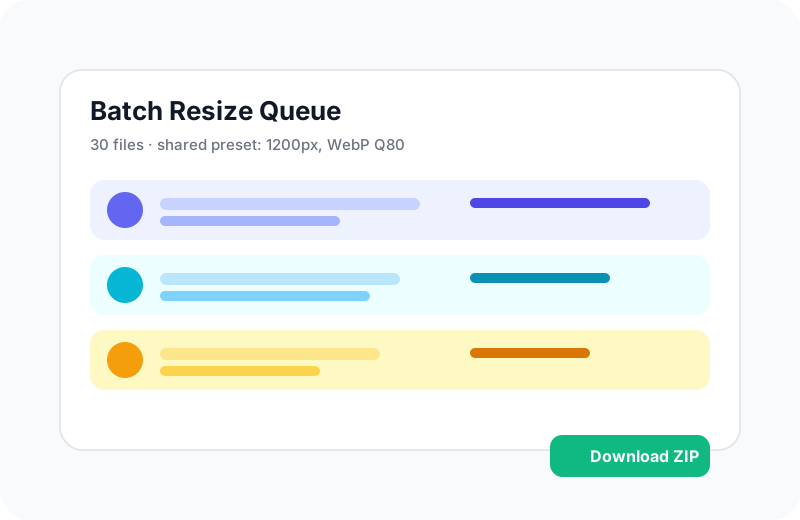
Process multiple images at once with our batch processing feature. Perfect for photographers, designers, and content creators who need to resize large collections of images.

  • Drag and drop up to 30 images at once
  • Shared settings applied across the batch
  • Progress tracking with per-file status
  • Bulk download as ZIP (max 200MB)
Batch processing interface preview

Professional Export Options

Export your resized images in the format that best suits your needs. Our intelligent format detection suggests the optimal format based on your image content.

  • JPEG quality: 40–100 with size preview
  • PNG 24-bit with transparency retention
  • WebP for modern browsers (Q 10–100)
  • Original format preserved when possible
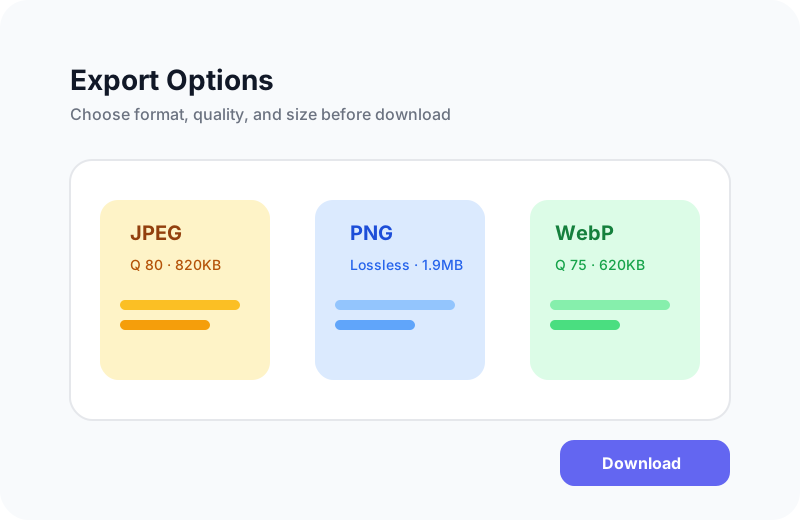
Export options interface preview

Verifiable Processing Details

Every resize follows a transparent, repeatable workflow so you can validate output behavior across formats and sizes.

  • Workflow: Decode → EXIF orientation → sRGB normalize → Resize → Sharpen → Encode
  • Resample window: 4×4 bicubic kernel with anti-aliasing threshold at 0.6× scale
  • Parameters: Width/height (px), scale (%), fit mode (contain/cover), quality (40–100)
  • Common question: “Why is PNG larger?” — transparency + lossless encoding
Resize workflow output example

How We Compare

Feature TopicPicture Other Tools
Privacy Local processing Server upload required
Speed Instant processing Upload/download delays
Quality Advanced algorithms Basic resizing
Formats All major formats Limited support
Cost Completely free Subscription required

Fact-Based Metrics

  • Processing time: 0.3–2.5s for 4–10MP images on modern laptops.
  • Maximum upload: 10MB or 6000 × 6000 px per image.
  • Batch size: Up to 30 images per batch, ZIP export up to 200MB.
  • Format compatibility: Input JPG/PNG/WebP/GIF (static), output JPG/PNG/WebP.

推荐工具:图片压缩 / 转 WebP

想快速适配社媒尺寸?可直接使用图片压缩与缩放工具,本地处理、更注重隐私安全。